Why Your Card Might Be Declining at Checkout: Common Issues and Simple Solutions
Why Your Card Might Be Declining at Checkout? Here Are the Most Common Reasons and How to Fix Them If your payment didn’t go through during


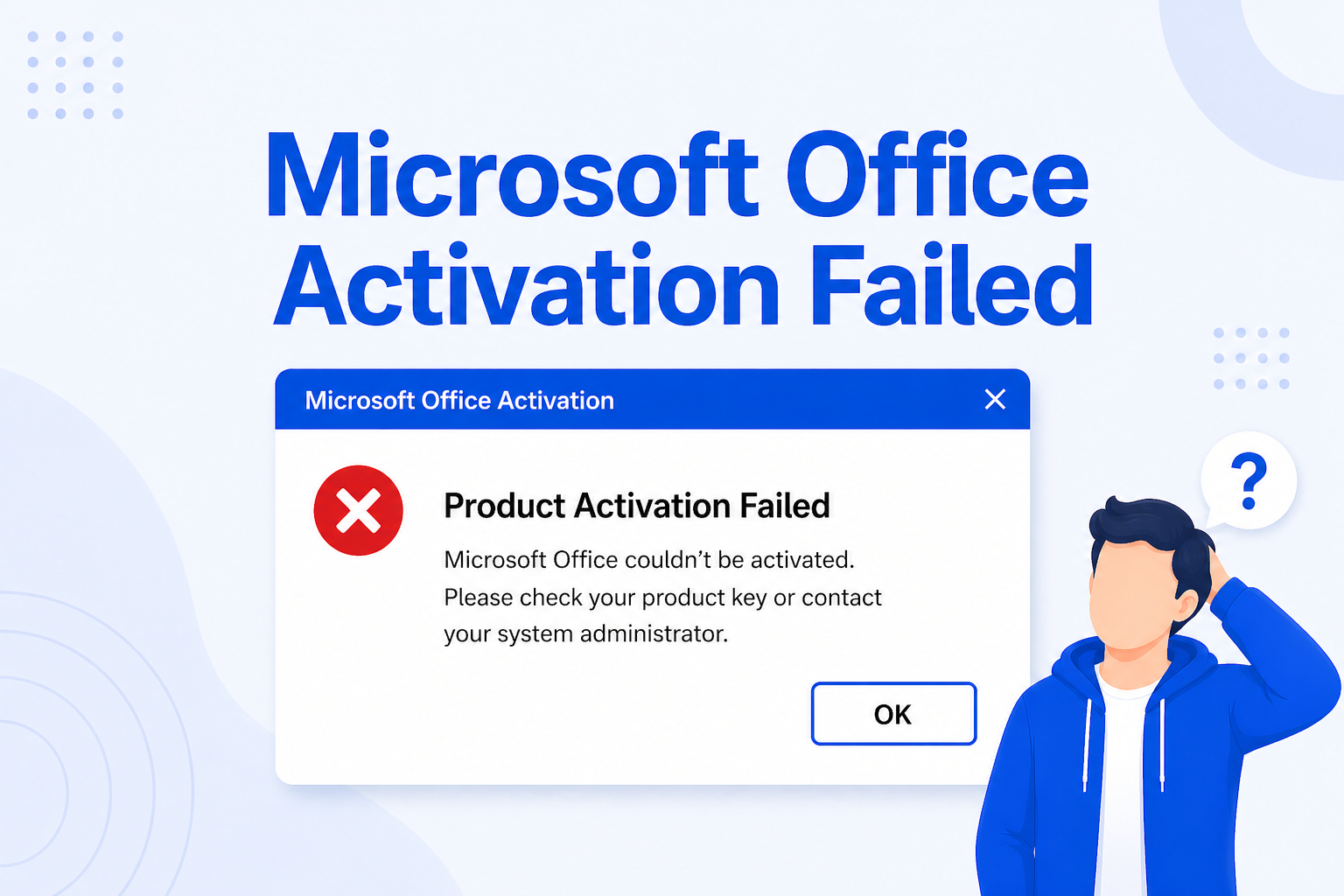
Seeing the “Product Activation Failed” message in Microsoft Office can be frustrating, especially when you need to use Word, Excel, or PowerPoint urgently. This issue is more common than you might think, and it can happen for several reasons.
In this guide, we’ll explain the real causes behind Microsoft Office activation failures and show you how to fix them step by step in 2026.
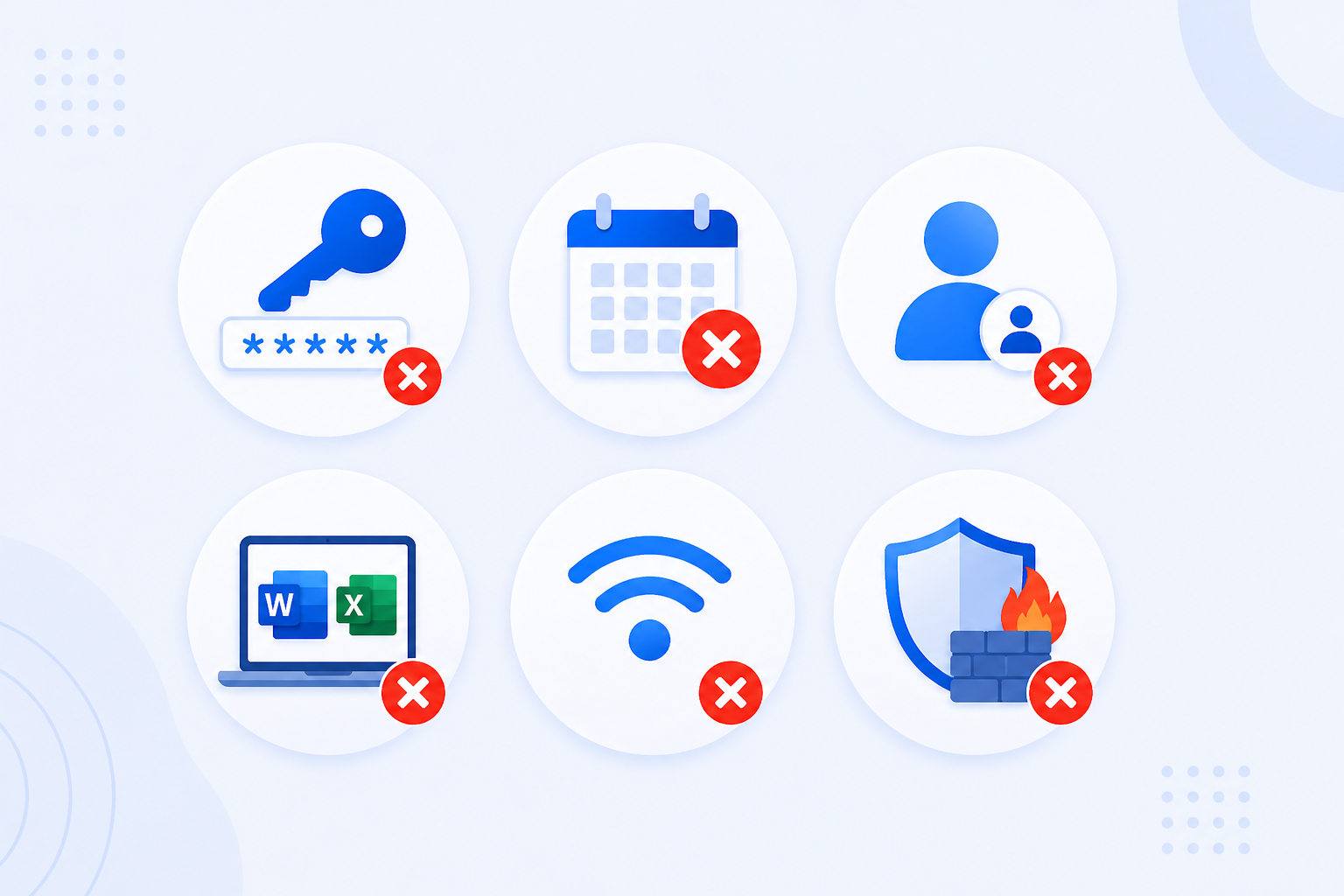
Microsoft Office activation fails mainly due to:
👉 In many cases, the problem can be fixed. However, sometimes a valid license is required.
Understanding the cause is the first step to fixing the issue.
Entering the wrong key or using a key for a different version of Office will cause activation to fail.
If you’re using Microsoft 365 and your subscription has expired, Office will show activation errors.
Office licenses are often linked to a specific account. Signing in with the wrong one prevents activation.
Having different Office versions on the same device can create conflicts.
Activation requires a stable internet connection. Weak or blocked connections can interrupt the process.
Security settings or firewall configurations may block Office from connecting to activation servers.
Keys from unknown or unverified sources may not work or may stop working later.

Follow these steps to resolve most activation problems:
✔ Check Your Product Key
Make sure you are entering the correct key for your Office version.
✔ Sign in with the Correct Account
Use the Microsoft account linked to your purchase.
✔ Renew Your Subscription
If you are using Microsoft 365, verify that your subscription is still active.
✔ Remove Old Office Versions
Uninstall any previous versions of Office to avoid conflicts.
✔ Check Your Internet Connection
Ensure your connection is stable and not blocked by firewall settings.
✔ Restart and Update Your System
Sometimes a simple restart or update can resolve activation issues.
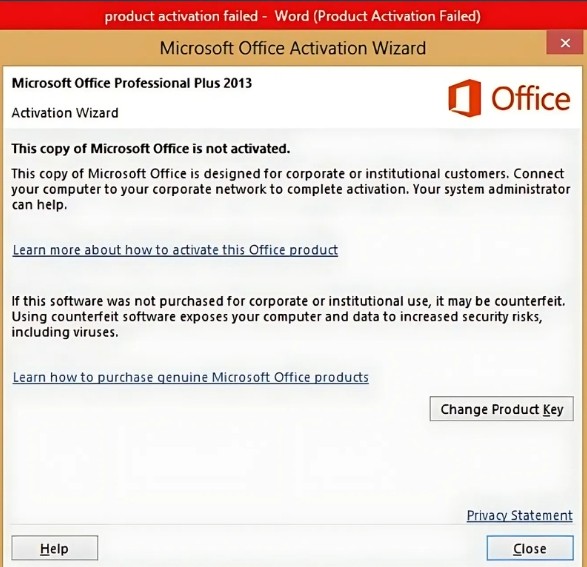
When Office fails to activate, you might encounter specific error messages. Understanding them can help you fix the issue faster.
👉 Identifying the exact error message helps you choose the right solution quickly.
If none of the solutions work, the issue may be related to your license.
You may need a new license if:
👉 In these cases, using a genuine Microsoft Office license is the best solution.

Choosing a trusted provider is essential to avoid activation problems.
At Uractivation, you can purchase authentic Microsoft Office licenses with confidence. Uractivation offers:
This ensures you avoid errors and enjoy a smooth, professional experience.
Microsoft Office activation errors can happen for several reasons, but most issues can be fixed by following the correct steps.
By understanding the cause and using a reliable license, you can avoid future problems and keep your Office apps running smoothly.
If your activation still fails, choosing a genuine product from a trusted provider is the safest and most effective solution.
Why Your Card Might Be Declining at Checkout? Here Are the Most Common Reasons and How to Fix Them If your payment didn’t go through during
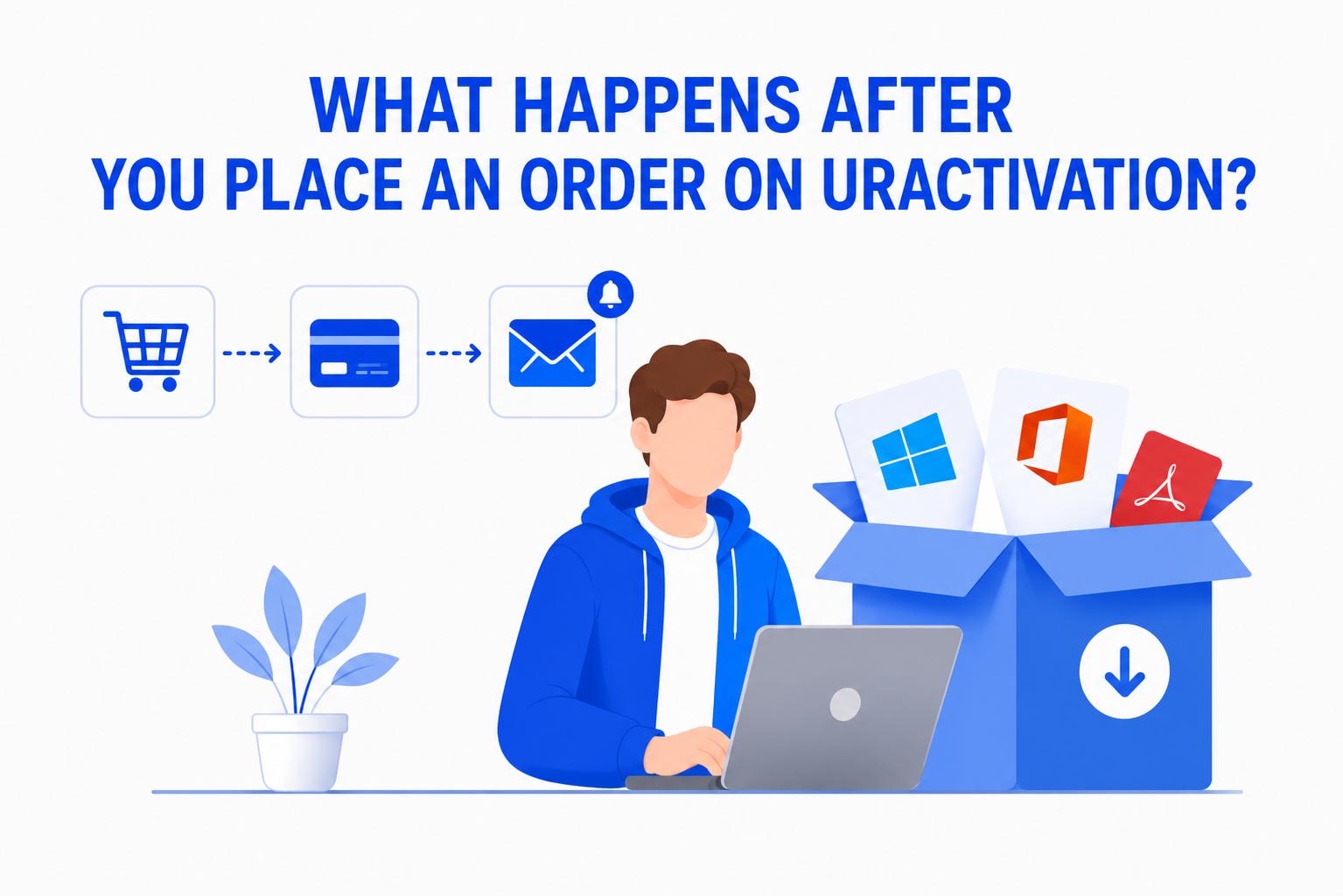
Buying software online should be simple and straightforward. If you’re wondering What Happens After You Place an Order on Uractivation?, this guide walks you through every