Why Your Card Might Be Declining at Checkout: Common Issues and Simple Solutions
Why Your Card Might Be Declining at Checkout? Here Are the Most Common Reasons and How to Fix Them If your payment didn’t go through during


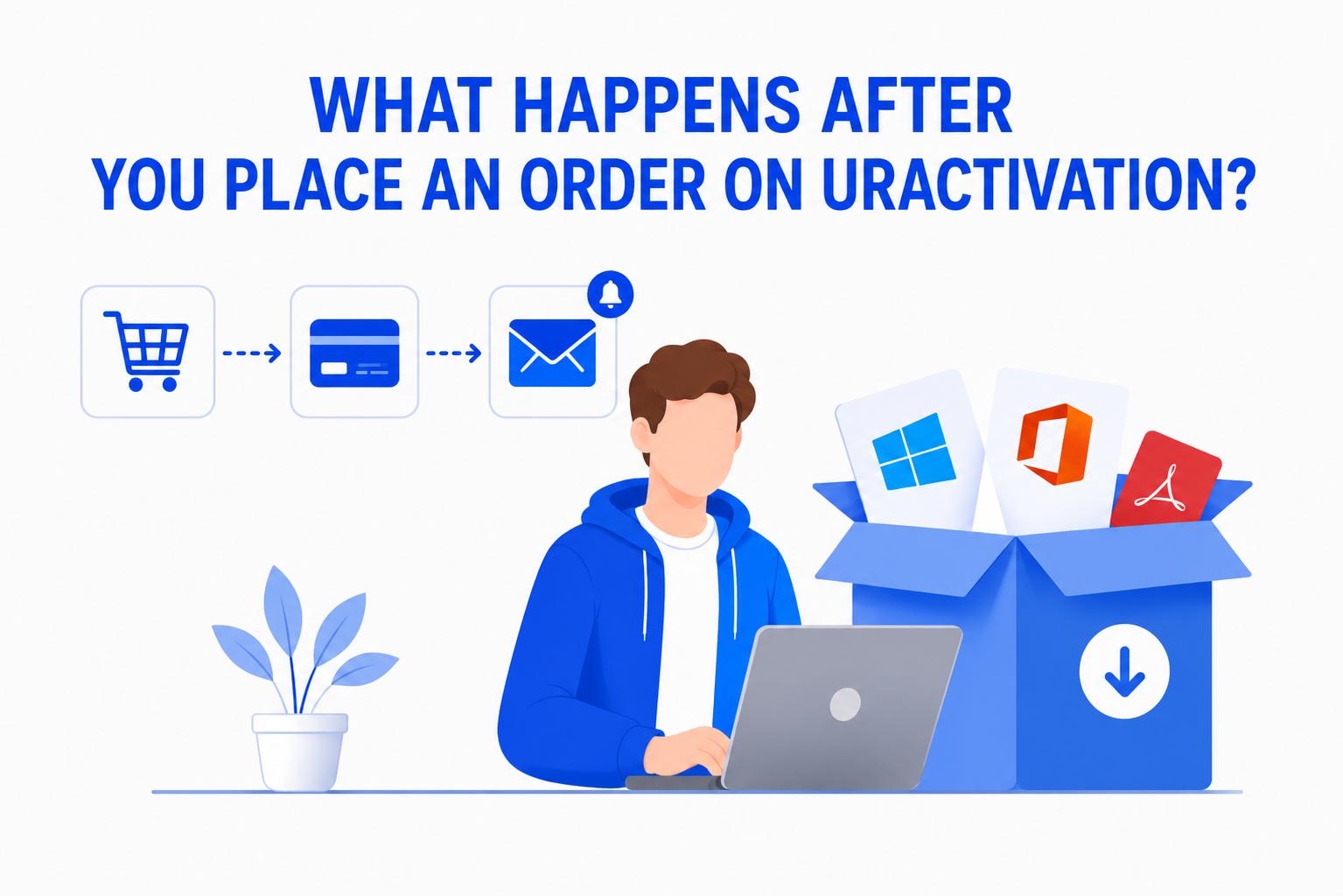
Buying software online should be simple and straightforward. If you’re wondering What Happens After You Place an Order on Uractivation?, this guide walks you through every step of the process—from checkout to receiving your software and getting support if needed.
Knowing what to expect helps you purchase with confidence and understand how your order is handled.
Once your payment is successfully completed, your order is received by our system for processing.
You will receive an order confirmation that lets you know your purchase has been successfully placed.
At this stage, we recommend:
This helps ensure you don’t miss important updates about your order.
After your order is confirmed, our team begins preparing your digital product for delivery.
Depending on the product purchased, this may include:
Our goal is to process every order as quickly and accurately as possible.
One of the biggest advantages of digital software is fast delivery.
Once your order has been processed, you’ll receive the information needed to access your purchase.
Depending on the product, this may include:
Everything is delivered digitally, so there’s no need to wait for physical shipping.
After receiving your order, you can begin downloading and installing your software.
Before installation, we recommend:
Taking a few extra minutes to review the instructions can help avoid common installation issues.
Once installation is complete, the next step is activation.
The activation process depends on the software you’ve purchased, but your order includes the information needed to complete activation successfully.
If you have any questions during this stage, our support team is available to assist you.
Most installations are completed without any issues, but if you need assistance, simply contact our support team.
We can help with:
Our goal is to make sure you can start using your software as quickly as possible.
After placing an order, customers often ask:
Most of these questions can be answered by checking your order confirmation, reviewing the installation instructions, or contacting our support team.
To help your purchase go smoothly, remember to:
These simple steps help ensure a faster and smoother experience.
Customers continue to choose Uractivation because we focus on providing:
From checkout to activation, our goal is to make buying software online as easy as possible.
Want to learn more before making a purchase? These guides may also be helpful:
Reading these articles will help you better understand every stage of your purchasing journey.

After placing your order, you’ll receive an order confirmation, your purchase will be processed, and your digital software will be prepared for delivery. Once ready, you’ll receive the necessary information to download, install, and activate your software.
Your software is delivered digitally. Depending on the product, you’ll receive download instructions, activation details, a product key, or account information.
First, check your spam or junk folder. If you still can’t find your order information, contact our support team and we’ll be happy to assist you.
Yes. Our support team can assist with installation, activation, and other product-related questions.
Why Your Card Might Be Declining at Checkout? Here Are the Most Common Reasons and How to Fix Them If your payment didn’t go through during
Uractivation Refund and Replacement Policy Explained When buying digital software, it’s important to understand what happens if you encounter an issue after your purchase. Because digital