Why Your Card Might Be Declining at Checkout: Common Issues and Simple Solutions
Why Your Card Might Be Declining at Checkout? Here Are the Most Common Reasons and How to Fix Them If your payment didn’t go through during


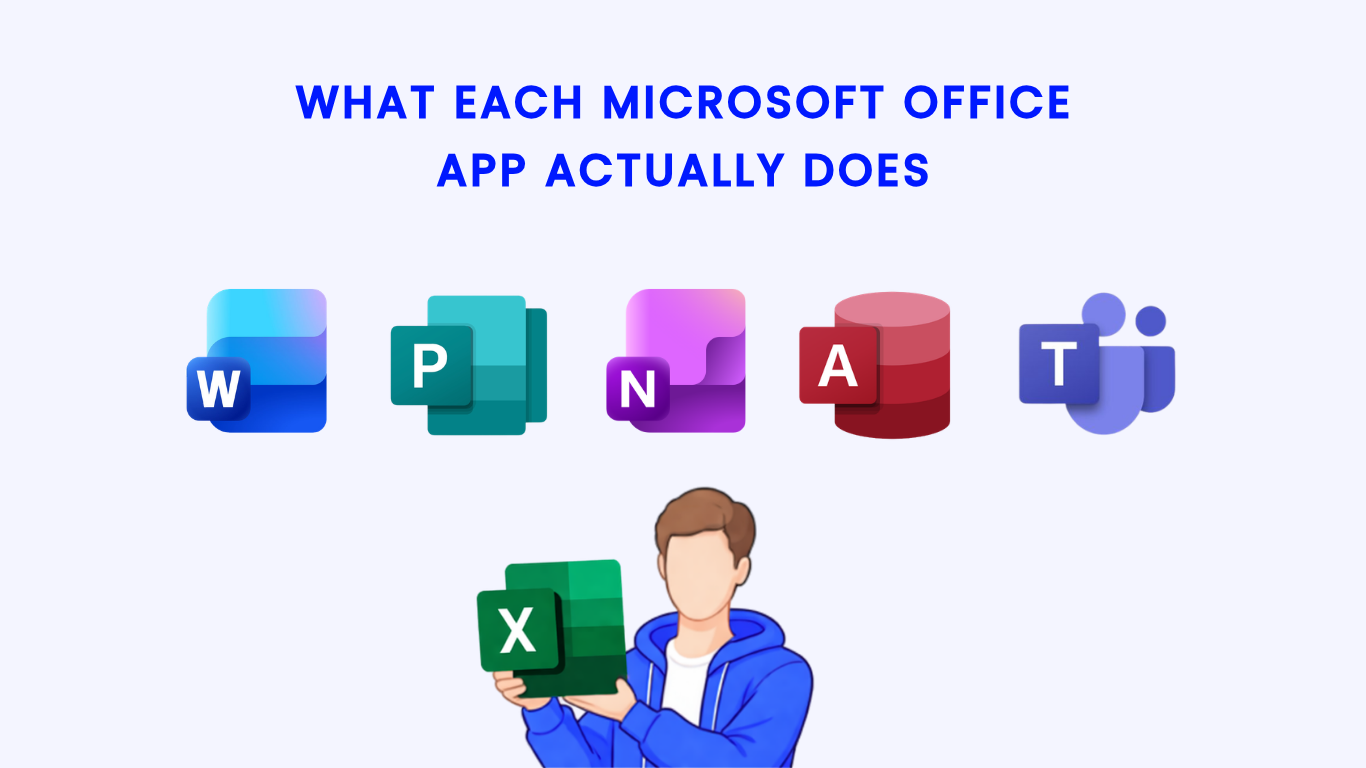
In this guide, we’ll break down the five essential Microsoft Office applications and clearly explain what each one actually does. Whether you’re writing documents, analyzing data, creating presentations, managing emails, or organizing notes, each tool serves a unique and important function.
By the end of this article, you’ll have a clear understanding of which app to use for each task—and how to get the most out of Microsoft Office.


Microsoft Word is the most widely used application for document creation and editing.
👉 Use Word whenever your task involves writing or formatting text-based documents.


Microsoft Excel is a powerful tool designed for data management and analysis.
👉 Choose Excel when working with numbers, statistics, or large datasets.


PowerPoint allows you to create professional and visually appealing presentations.
👉 Use PowerPoint when you need to present ideas visually and clearly.


Outlook is a complete email and productivity management tool.
👉 Outlook is essential for communication and time management.


OneNote is a flexible digital notebook designed for note-taking and organization.
Ideal for capturing and organizing information efficiently.
Using genuine Microsoft Office software is critical for performance, security, and reliability. Many users experience issues like activation errors, missing features, or system instability when using unauthorized versions.
With a genuine license, you get:
At Uractivation, you can purchase authentic Microsoft Office and Windows licenses with confidence. Uractivation is a trusted source that ensures:
Choosing Uractivation helps you avoid software issues and guarantees a smooth, professional experience.
Understanding what each Microsoft Office app actually does allows you to use the right tool for the right task.
By mastering these tools, you can boost productivity and work more efficiently in any environment.
For the best experience, always use genuine Microsoft Office software from Uractivation to ensure reliability, security, and full functionality.
Microsoft Office apps are designed to help users create documents, analyze data, communicate, and organize tasks efficiently.
Microsoft Word is the easiest app to start with, as it focuses on basic document creation and editing.
Yes, Excel offers powerful tools like formulas, pivot tables, and charts for both basic and advanced data analysis.
A genuine license ensures full features, regular updates, security, and no activation issues. Buying from Uractivation guarantees authentic and reliable software.
Why Your Card Might Be Declining at Checkout? Here Are the Most Common Reasons and How to Fix Them If your payment didn’t go through during

Buying software online should be simple and straightforward. If you’re wondering What Happens After You Place an Order on Uractivation?, this guide walks you through every