
Why Your Card Might Be Declining at Checkout: Common Issues and Simple Solutions
Why Your Card Might Be Declining at Checkout? Here Are the Most Common Reasons and How to Fix Them If your payment didn’t go through during


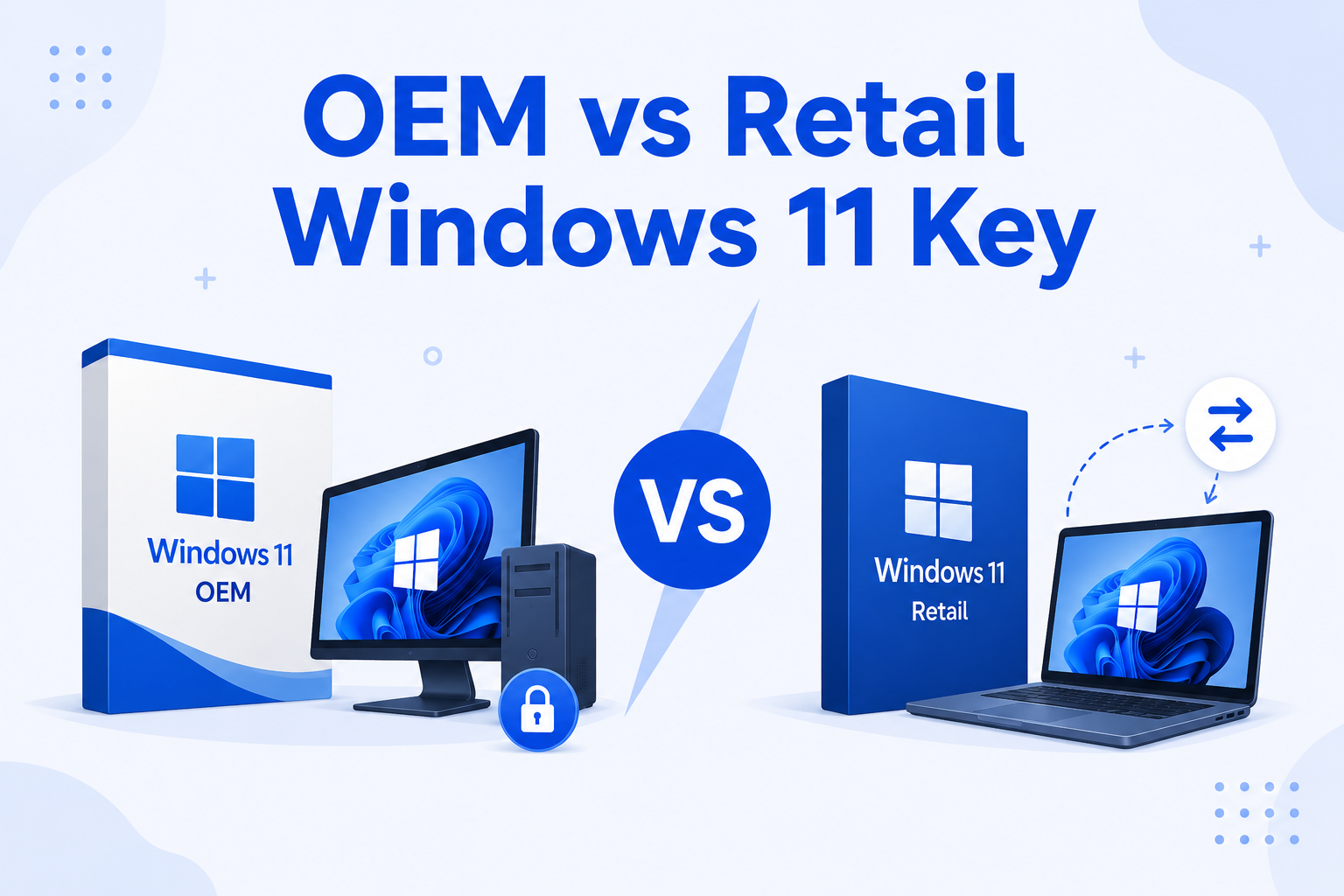
OEM vs Retail Windows 11 Key is one of the most common questions when buying a Windows license. Many users are unsure which option is better and how each type works. While both activate Windows 11 with full features, they differ in flexibility, pricing, and long-term use.
OEM and Retail Windows 11 keys differ mainly in usage and flexibility:
👉 The right choice depends on whether you need flexibility or a lower price.
An OEM (Original Equipment Manufacturer) key is designed for a single computer. Once activated, it becomes permanently linked to the motherboard of that device. This means that if you change your motherboard or move to a new PC, the license will no longer work.
OEM keys are more affordable, which makes them a popular choice for users who want a cost-effective solution. They are ideal for people who plan to use the same computer for a long time without making major hardware changes.
A Retail Windows 11 key offers more flexibility compared to OEM. It can be transferred from one computer to another, as long as it is only active on one device at a time.
Retail licenses are usually linked to your Microsoft account. This makes it easier to reactivate Windows after reinstalling the system or upgrading hardware. Although Retail keys are more expensive, they provide better long-term value for users who upgrade or change devices.
| Feature | OEM Key | Retail Key |
|---|---|---|
| Price | Lower | Higher |
| Transferable | No | Yes |
| Device Limit | One PC | One at a time |
| Hardware Changes | Not allowed | Allowed |
| Flexibility | Limited | High |
👉 Both versions provide the same Windows 11 experience, including updates and security features.
Choosing between an OEM vs Retail Windows 11 Key depends on how you plan to use your computer.
If you are building a PC or using one device for daily tasks, OEM is the best option. It allows you to save money while still getting a fully activated Windows system.
However, if you upgrade your PC regularly or want the freedom to move your license to another device, Retail is the better choice. It gives you more control and avoids the need to buy a new license each time you make changes.
👉 For most users, OEM is enough. For users who want flexibility, Retail is worth the extra cost.
Is an OEM Windows 11 key legal?
Yes, OEM keys are legal and widely used for single-device activation.
Can I transfer an OEM key to another PC?
No, OEM keys are tied to the original motherboard and cannot be transferred.
Why is a Retail key more expensive?
Because it allows transfer between devices and offers more flexibility.
Do OEM and Retail keys have different features?
No, both provide the same Windows 11 features and performance.
Choosing a reliable provider is important to avoid activation problems and invalid licenses.
For a safe and smooth experience, you can get genuine Windows licenses from
Uractivation
Uractivation offers:
This helps ensure your system works properly without activation issues.
OEM vs Retail Windows 11 Key differences show that both options activate Windows fully, but they serve different purposes. OEM is the best choice for users who want a simple and affordable solution for one device. Retail is ideal for users who want flexibility and plan to upgrade or change their hardware over time.
By understanding the difference and choosing a trusted provider, you can avoid common activation problems and enjoy a smooth, reliable Windows experience for years to come.
Why Your Card Might Be Declining at Checkout? Here Are the Most Common Reasons and How to Fix Them If your payment didn’t go through during
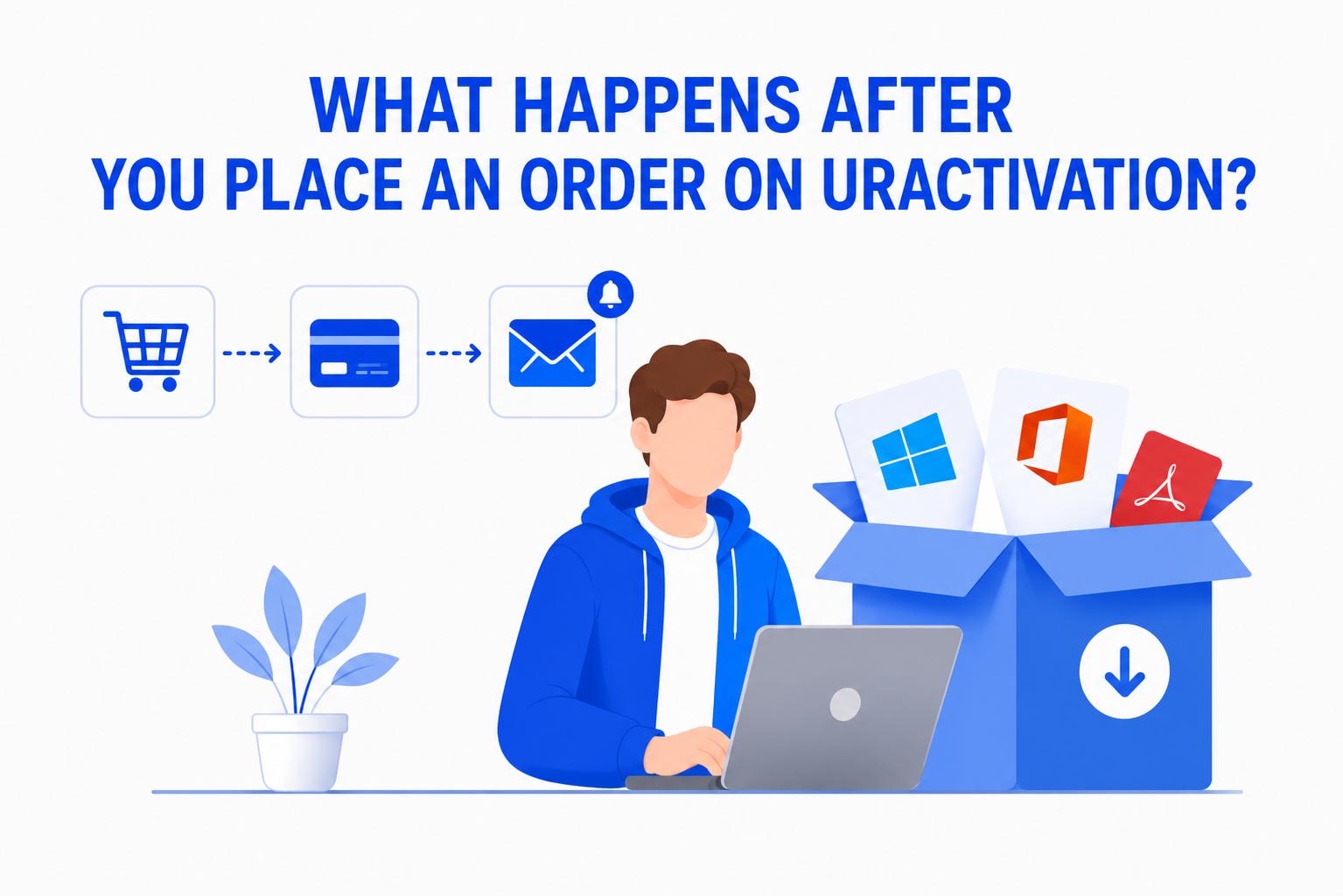
Buying software online should be simple and straightforward. If you’re wondering What Happens After You Place an Order on Uractivation?, this guide walks you through every