Error 0xC004F074 – Ultimate Fix for Windows Activation Error (2026 Guide)
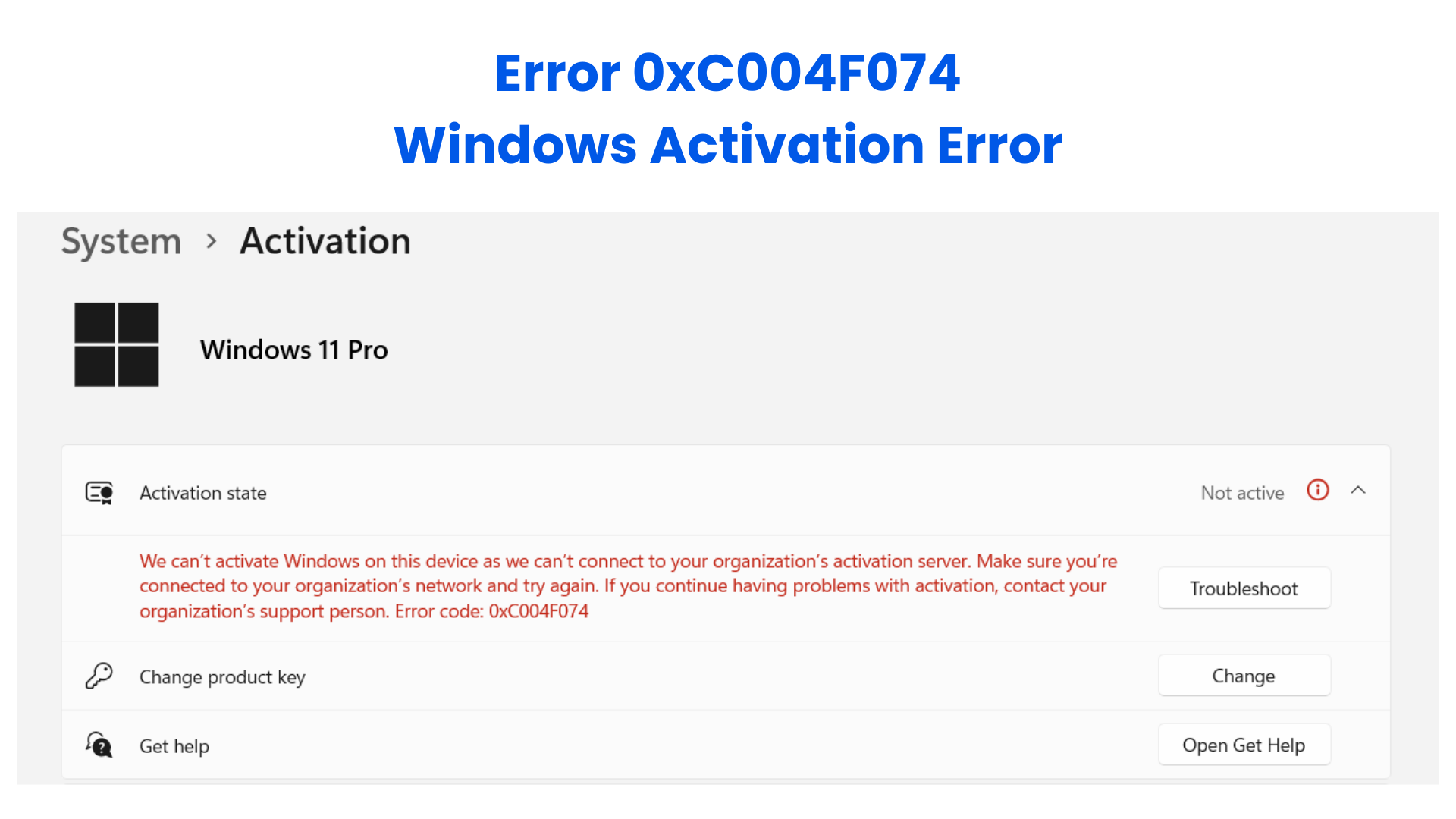
Introduction Error 0xC004F074 is a common Windows activation issue that occurs when the system fails to connect to the Key Management Service (KMS) or cannot verify your product key. Users often see the message: “The Software Licensing Service reported that the product key is invalid.” This error can happen on Windows 10, Windows 11, or even Office installations using KMS activation. Common causes include corrupted activation files, incorrect system date/time, network issues, or blocked activation servers by antivirus or firewall. Additionally, using a non-genuine Windows copy can trigger this error repeatedly. Using a genuine Windows license from Uractivation ensures proper activation, uninterrupted updates, and reduces the risk of errors like 0xC004F074, making your system more stable.
Common Causes of Error 0xC004F074
Understanding why this error occurs is essential before attempting fixes:
Incorrect or expired product key – the key may be mistyped, blocked, or expired.
KMS server unreachable – network issues, firewall restrictions, or VPN interference can prevent activation.
Corrupted activation files – system files required for activation may be damaged or missing.
System date/time mismatch – Windows may reject activation if your PC’s date or time differs from Microsoft servers.
Non-genuine Windows installation – pirated or modified versions often cause repeated activation failures.
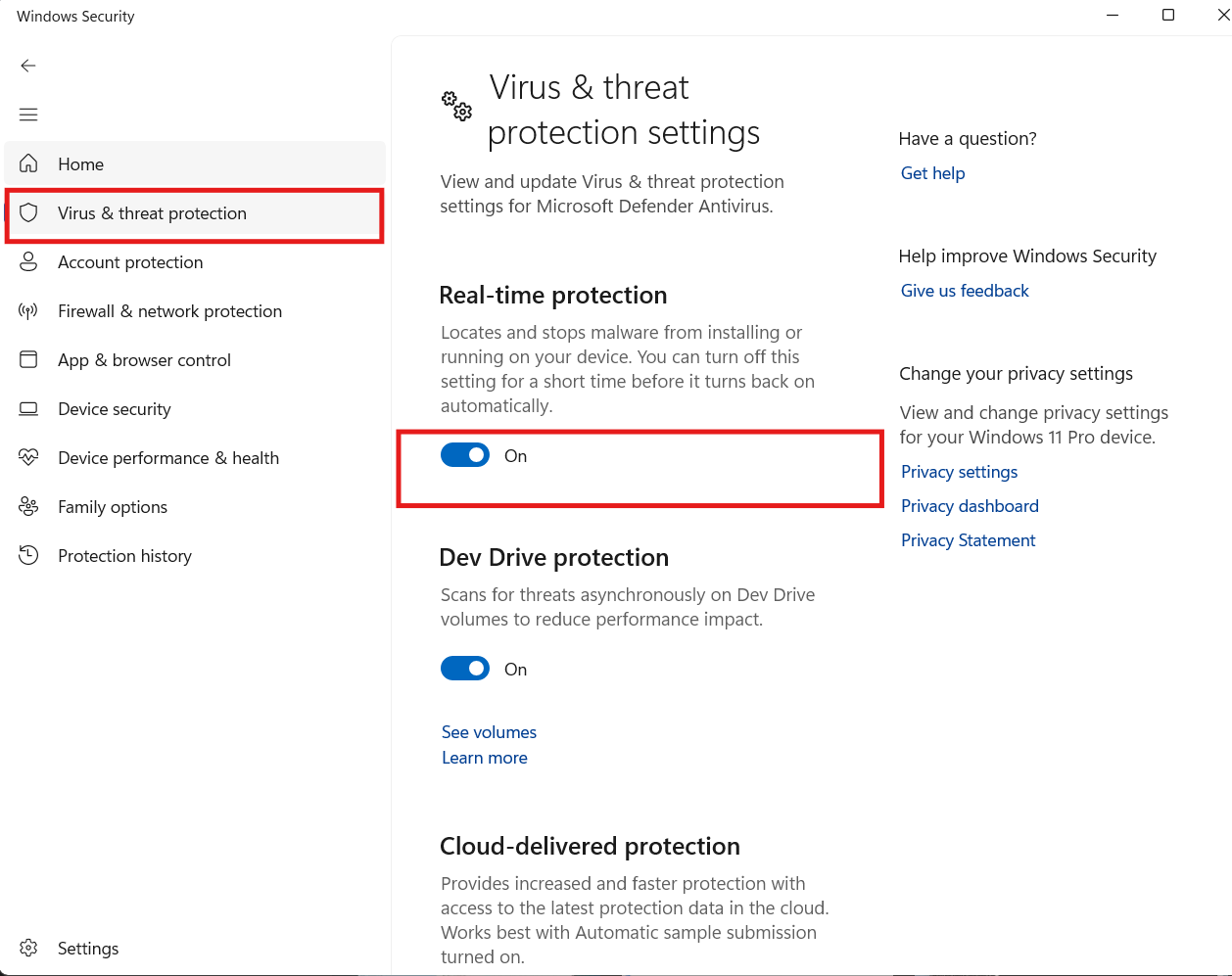
Third-party antivirus or firewall blocking activation – some security programs may block access to Microsoft activation servers, causing 0xC004F074.
Step-by-Step Solutions for Error 0xC004F074
Solution 1: Verify System Date & Time
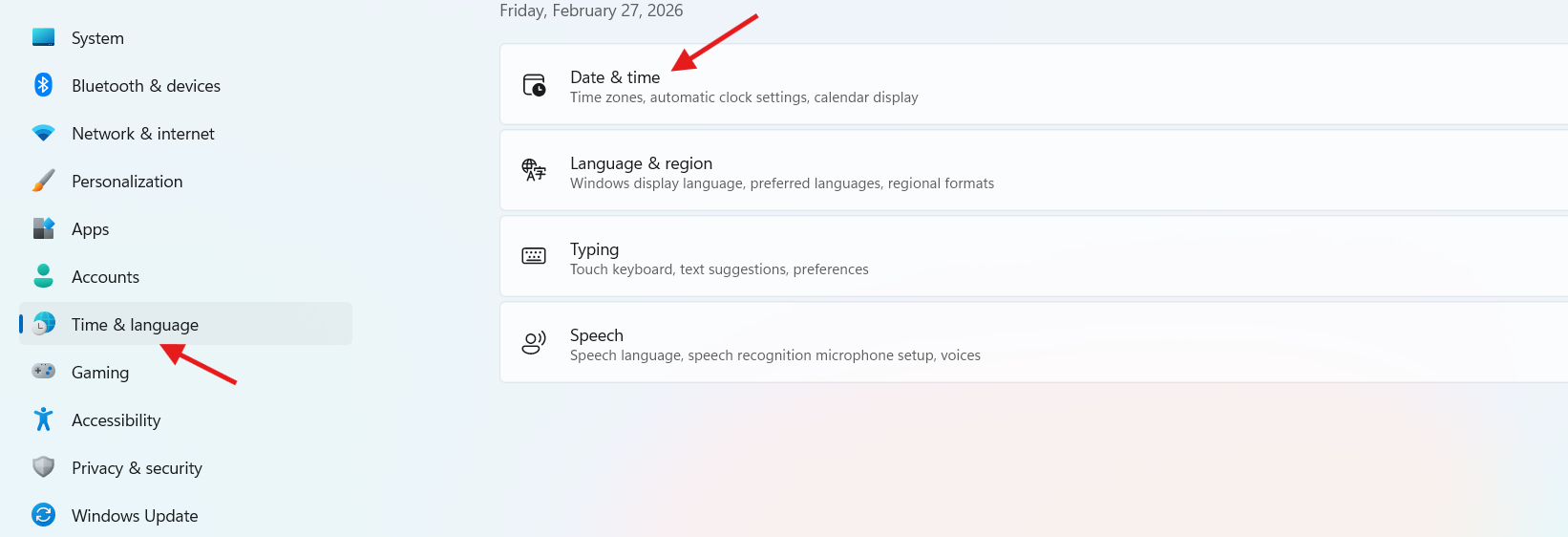
Press Win + I to open Settings.
Navigate to Time & Language → Date & Time.
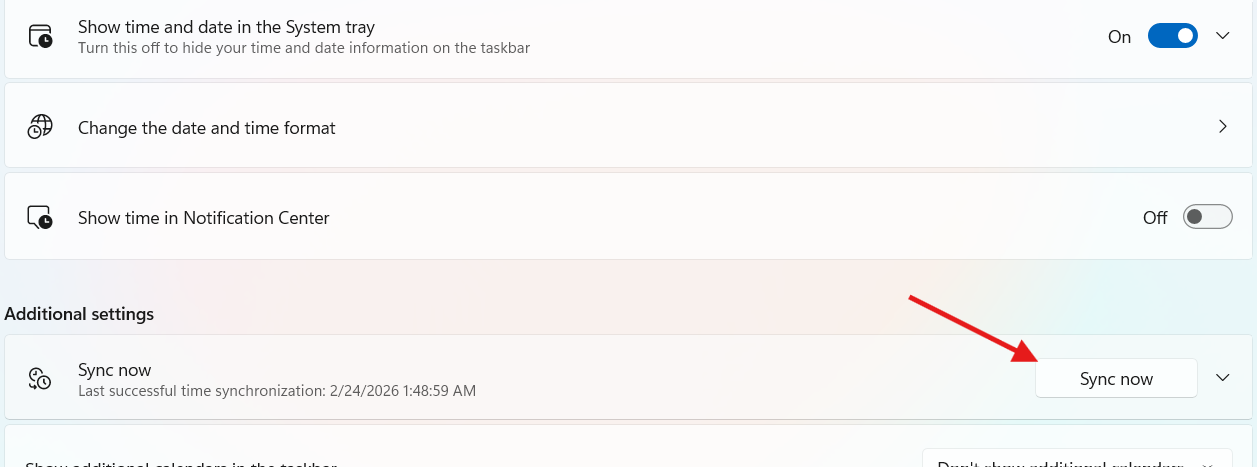
Enable Set time automatically and ensure your timezone is correct.
Click Sync now if available.
Restart Windows and check activation. This resolves many connection-related activation errors by ensuring your PC communicates correctly with Microsoft servers.
Solution 2: Run Command Prompt as Administrator
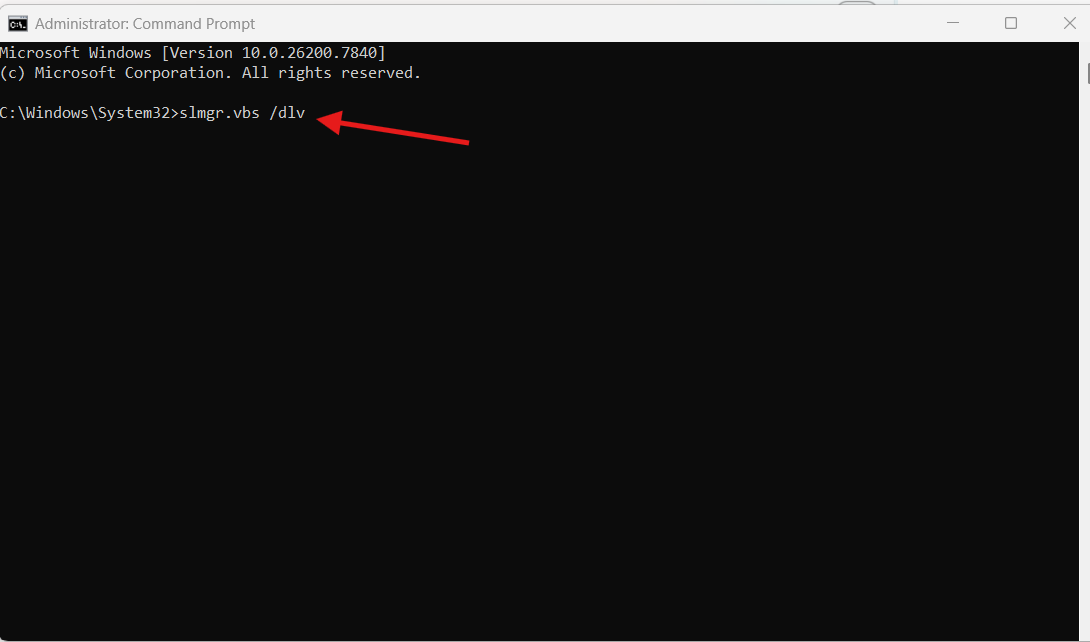
Press Win + S, type CMD, right-click → Run as administrator.
Execute these commands one by one: slmgr.vbs /dlv slmgr.vbs /upk slmgr.vbs /ipk <Your_Product_Key> slmgr.vbs /ato
Press Enter after each command and wait for the confirmation message.
Restart your PC and verify Windows activation. This ensures the system properly registers the product key and communicates with the KMS server to resolve 0xC004F074.
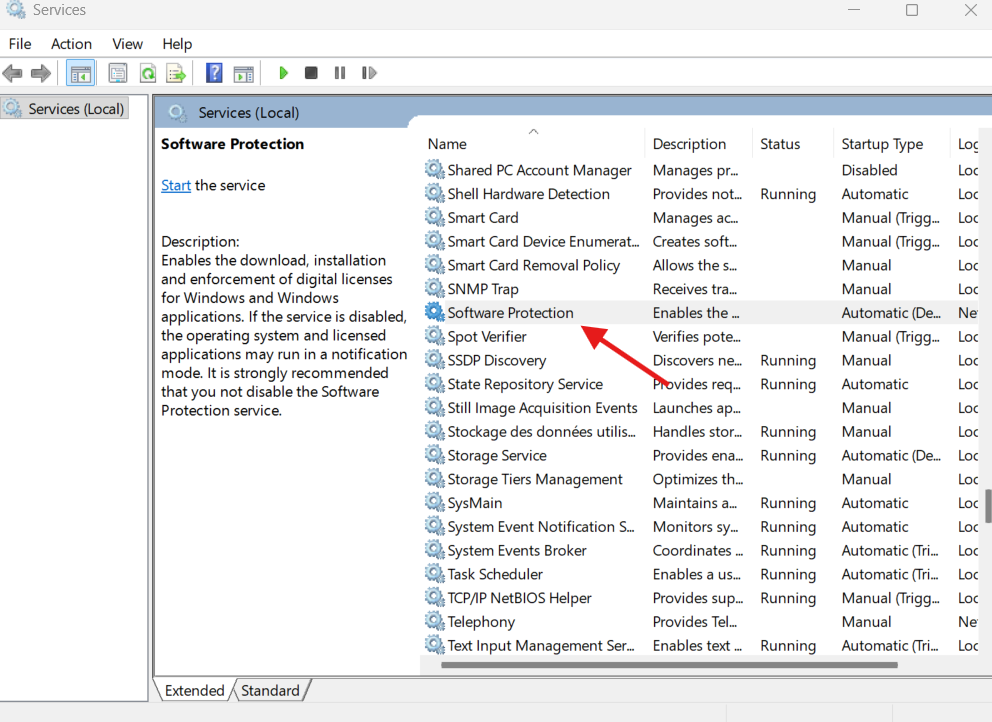
Solution 3: Check Software Protection Service
Press Win + R, type services.msc, and press Enter.
Scroll to Software Protection → Right-click → Start or Restart.
Set Startup type to Automatic.
Retry activation. Ensures that the core Windows activation service runs properly, which is essential for error-free activation.
If activation succeeds, add Microsoft activation servers to your antivirus whitelist. Some antivirus programs block activation requests, causing 0xC004F074, and this simple step often fixes the issue without major changes.
Why Using a Genuine Windows License Matters
Using a legitimate Windows license from Uractivation guarantees:
Proper activation without repeated errors.
Full access to updates and security patches.
Stable operation of the Software Protection Service.
Reduced system conflicts and prevention of recurring activation errors.
A genuine license not only fixes this specific error but also avoids future technical issues. It ensures your system receives full support from Microsoft, making your PC more reliable for both personal and professional tasks.
FAQ
❓ What does code 0xC004F074 mean? It indicates Windows cannot contact the KMS server, or the product key is invalid, blocked, or missing.
❓ Does Error 0xC004F074 delete my files? No. Your personal files, applications, and settings remain safe. The error only affects Windows activation.
❓ Can a genuine license prevent this error? Yes. A genuine license ensures proper activation and eliminates permission or connection conflicts that cause this error.
❓ How long does it take to fix this error? Most solutions take 5–10 minutes, depending on the steps you follow and system speed.
Conclusion Error 0xC004F074 may seem critical, but it is fully fixable. From verifying system time, running CMD commands, restarting services, to temporarily disabling antivirus, most users can restore Windows activation efficiently. Always rely on a genuine Windows license from Uractivation for long-term system stability, proper activation, uninterrupted updates, and fewer activation errors. Following this guide ensures your PC remains secure, fully functional, and error-free.
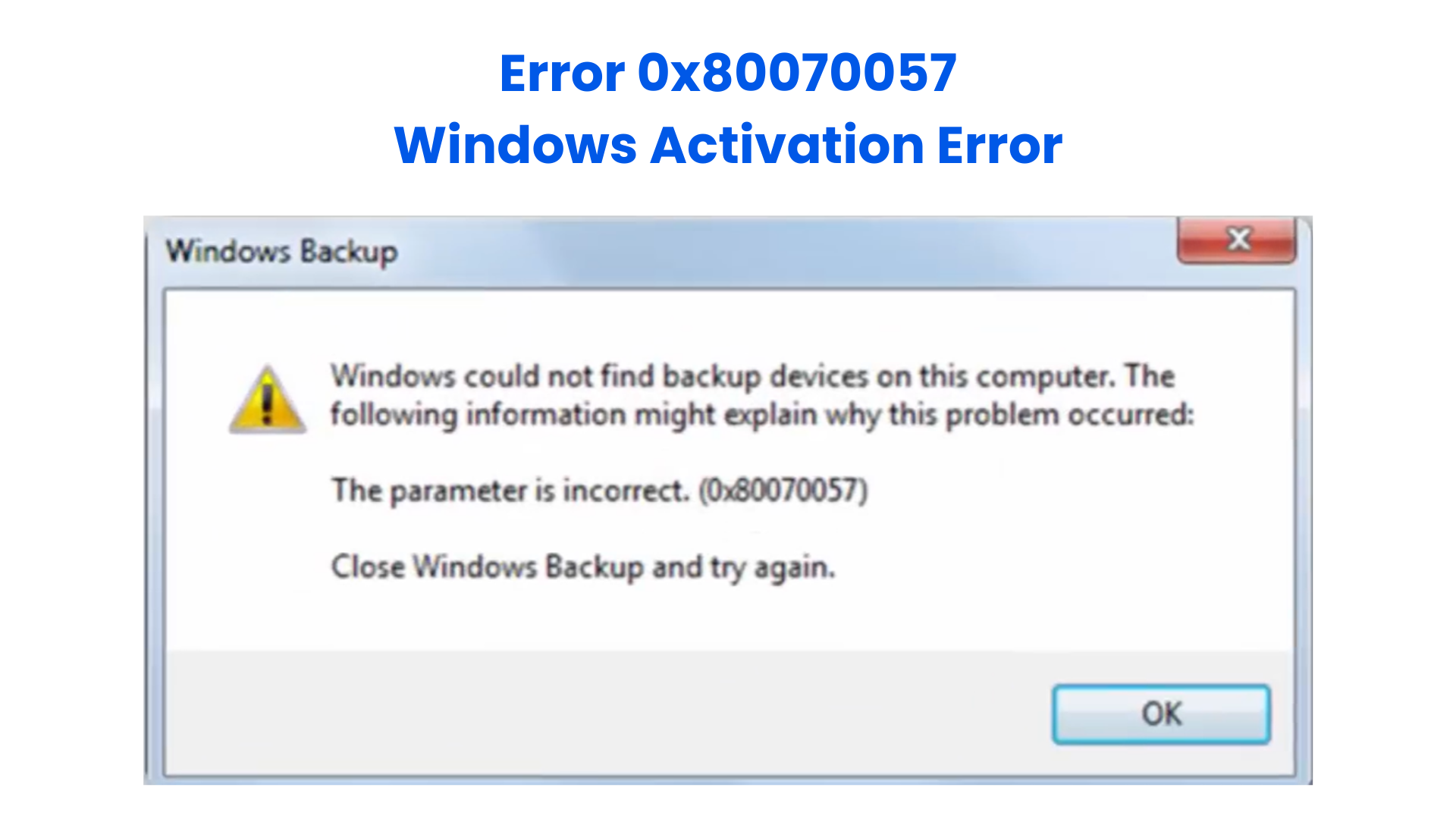
Error 0x80070057 is a common Windows error that many users encounter when performing system updates, backups, or even during file operations. The message usually appears as
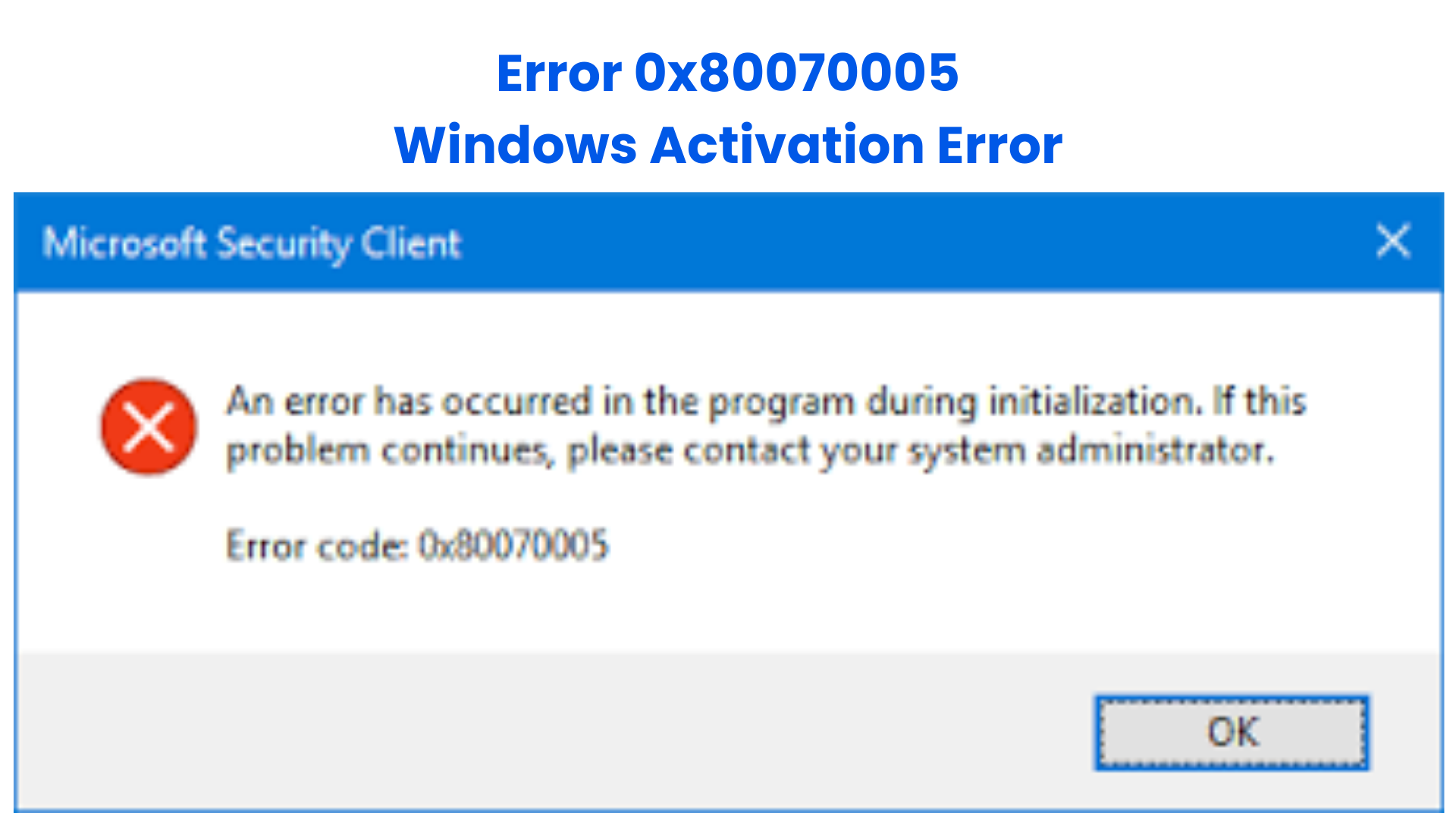
Error 0x80070005 is one of the most common Windows errors users encounter when installing updates, activating Windows, or accessing certain system features. The error message usually